
How I Built SQLiteSearch: A Lightweight Python Library for Local Text and Vector Search
My full workflow: research, architecture decisions, implementation, and publishing.

Recently, I was looking for a compact Python search library that provides reliable search functionality without requiring a full-scale infrastructure.
I needed a solution that was local, easy to integrate into small projects, and persistent. I already had minsearch, which met the first two requirements but stored everything in memory and lacked persistence. After reviewing the available options, I realized no solution fully matched my requirements.
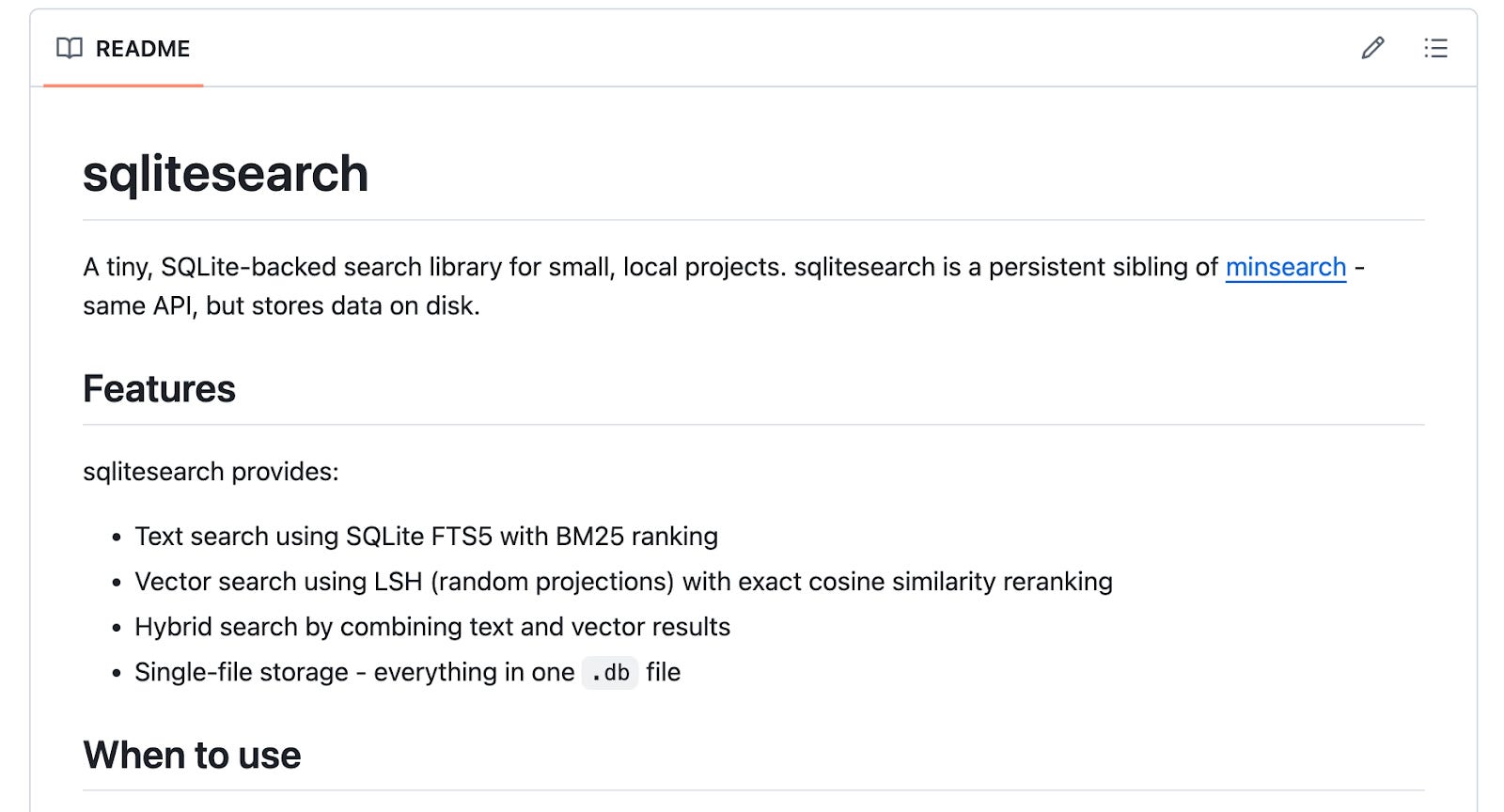
So I built SQLiteSearch, a lightweight, pure-Python search library that supports both text and vector search. It stores all data in a single file using SQLite, an open-source relational database included with the Python standard library.
In this post, I’ll explain the building process, how I came up with the final configuration of the system and evaluated existing solutions with ChatGPT, why they were insufficient, how SQLiteSearch is structured internally, its benefits, and what my workflow looked like for publishing it as a PyPI package.
Background
The concept for the SQLiteSearch library emerged from the need for a persistent, lightweight search library that AI Engineering Buildcamp course participants can use in one of their projects.
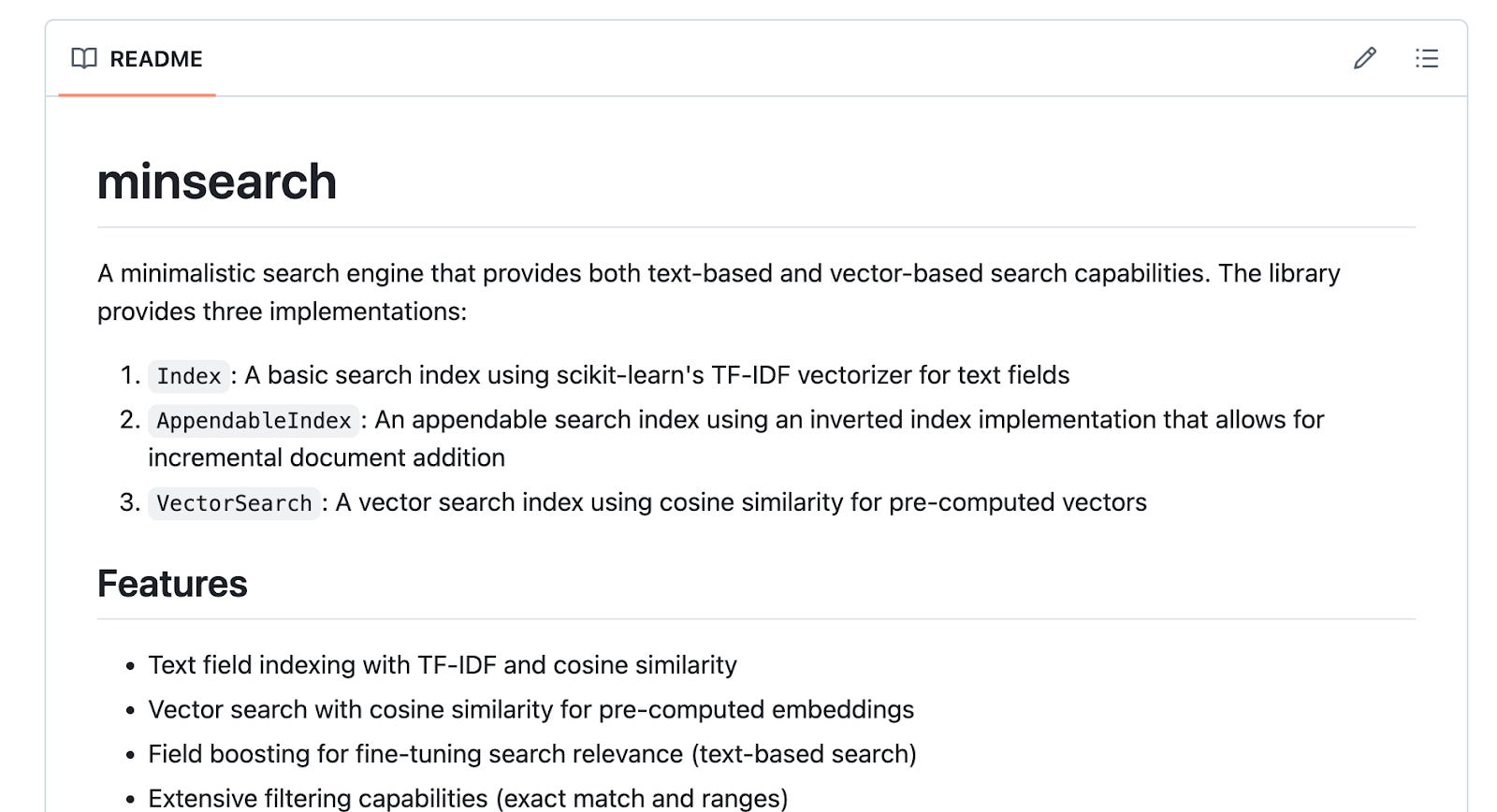
I already have a lightweight library called minsearch that supports text and vector search with an easy-to-use API. However, it only works in memory. This means that when I close the Python process running it, all the indexed data disappears. I have to rebuild the index each time I restart the application.
This works in some cases, but I wanted to show how to build a data ingestion pipeline that operates independently of the RAG agent. So I needed a lightweight and persistent search engine.
My Requirements
I wanted a search library that meets these criteria:
Available in Python
Easy to set up and interact with
Runs locally, eliminating the need for Docker (allowing use in environments like Google Colab)
Support both regular text search and vector search
Existing solutions, such as running Elasticsearch, are not always a good fit for small-scale problems. They cost $200+ per month and are designed for large-scale production systems. There are cheaper options like Qdrant or PostgreSQL, but if I were to use them, I’d need to rely on an external service or run them in Docker.
So I decided to do my own research with ChatGPT. In cases like that, when I want to find something but it’s not yet very clear in my head exactly what I need, and I’m not sure whether a solution to my problem already exists, I turn to ChatGPT to brainstorm ideas and interact with it in dictation mode.
Research Phase
I shared my requirements with ChatGPT and asked it to find a solution.
Eventually, it suggested using SQLite’s text search. I like SQLite because it’s embedded in Python and satisfies most of my requirements. But I also wanted to have vector search, which it didn’t support out of the box. So I started looking for vector search options that work with SQLite.
Here’s what ChatGPT found:
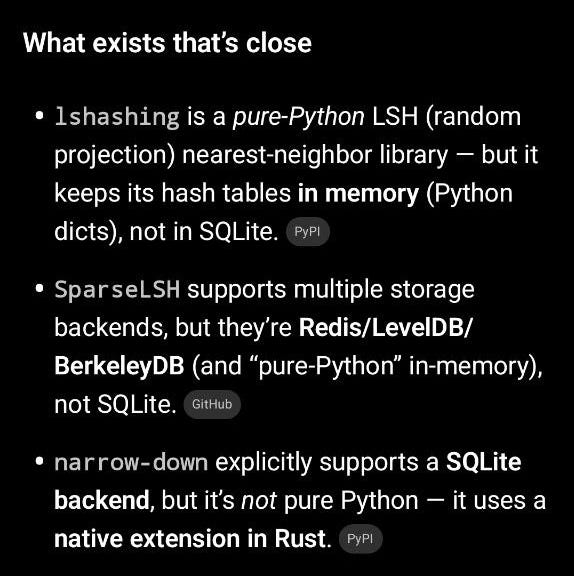
Results were:
lshashing: Pure Python LSH library, but keeps hash tables in memory, not SQLite
SparseLSH: Supports multiple storage backends (Redis, LevelDB, BerkeleyDB) but not SQLite
narrow-down: Supports SQLite backend but uses a native Rust extension, not pure Python
None of the existing solutions met all requirements, so I decided to create a new library.
Implementation
I continued my conversation with ChatGPT to brainstorm solutions and iterate on the design.
I also added a requirement that the library should use locality-sensitive hashing (LSH), one of the original techniques for producing high-quality search results while maintaining lightning-fast search speeds. I already understand how LSH works because I have implemented random projections a few times, so I chose it for vector search instead of more advanced, complex techniques. If I need to debug something, I want to make sure I understand what’s happening and can fix the problem without relying on an AI assistant.
To make the library easy to interact with, I also asked ChatGPT to make sure the library exposes a simple API that closely resembles minsearch, so that the AI Engineering Buildcamp participants wouldn’t have to learn a new interface.
As a result, ChatGPT prepared the implementation plan that included everything that I discussed with it. The library is called “lightsearch,” but I later renamed it to “SQLiteSearch” before publication because “litesearch” was already taken on PyPI.
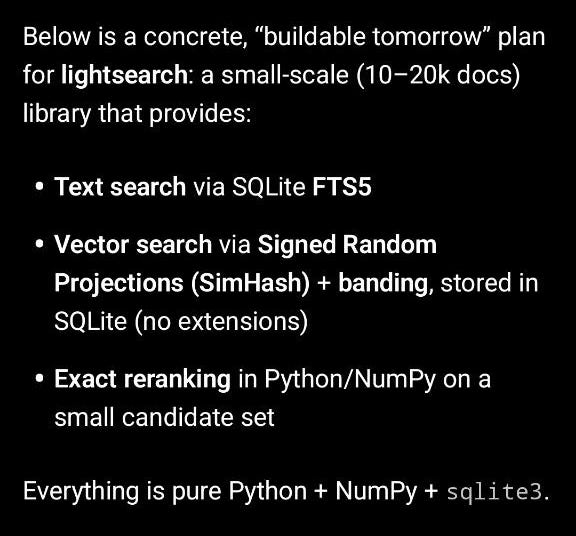
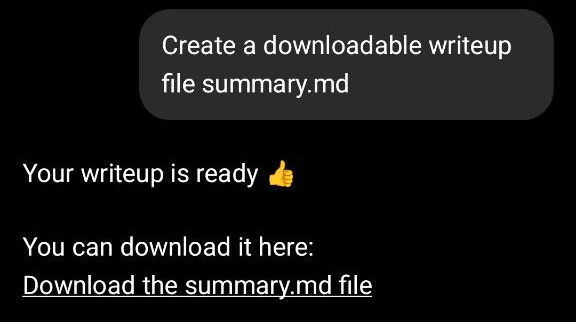
Then I asked ChatGPT to save the plan as a summary.md file and asked Claude Code to read it and build the library based on it.
I created a GitHub repository, added the plan document (renamed from summary.md to plan.md), and instructed Claude to read the plan and start implementing. I reminded Claude to include tests, which are important for library quality.
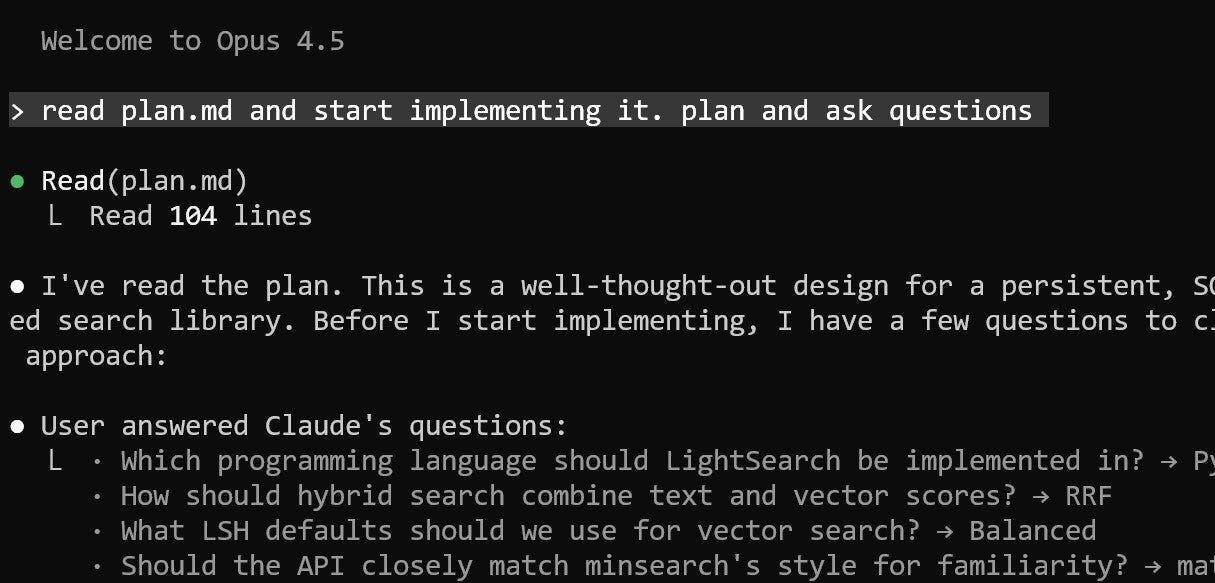
The complete process from idea to implementation involved these steps:
Asking ChatGPT about existing solutions to understand how they’re built
Iterating on the approach based on my prior knowledge of LSH (Locality-Sensitive Hashing)
Asking ChatGPT to design the API to closely resemble minsearch, so that the AI Engineering Buildcamp participants wouldn’t have to learn a new interface
Asking ChatGPT to create a summary of the agreed-upon approach
Having ChatGPT create a detailed plan document based on the summary from the previous step
Using Claude Code to review the plan and carry out the implementation
Final Solution
SQLiteSearch stores the entire search index in a single SQLite database file on disk, unlike server-based systems (e.g., PostgreSQL, Elasticsearch). This single file contains your data tables, index structures for fast lookup, and search metadata.
SQLite requires no separate server process. It runs within your Python process, reading and writing to the file directly, eliminating network communication, background daemons, and distributed setup.
This makes SQLiteSearch lightweight. You install the package and start using it. There is no cluster management, JVM tuning, or DevOps overhead.
SQLiteSearch is particularly well-suited for small personal and course projects where persistent search and minimal operational complexity are important. Some providers (e.g., Render) allow hosting SQLite so that you can take advantage of it in your personal projects.
Conceptually, it sits between minsearch and production-ready search engines like Elasticsearch or Qdrant.
You can read more about the architecture of the SQLiteSearch in the GitHub repository: https://github.com/alexeygrigorev/sqlitesearch
Release Workflow for the Publication to PyPI
I maintain a few Python libraries on PyPI and sometimes create new ones. To make my life easier, I created a /release Claude code command to automate the entire publishing process for Python packages. I also have a similar one for starting a new project (/init-library): it creates a pyproject.toml, Makefile with build and publish targets, command line interface, tests, and CI/CD.
If anything fails, Claude diagnoses the issue, updates the configuration or tests, and reruns the pipeline until the package builds cleanly. Once everything passes, publishing is reduced to a single prompt in Claude Code. The process is structured, repeatable, and largely automated, with Claude acting as a workflow executor and validator.
What I’ve Been Working On Recently
1) AI Shipping Labs Community (First new article as part of the community)
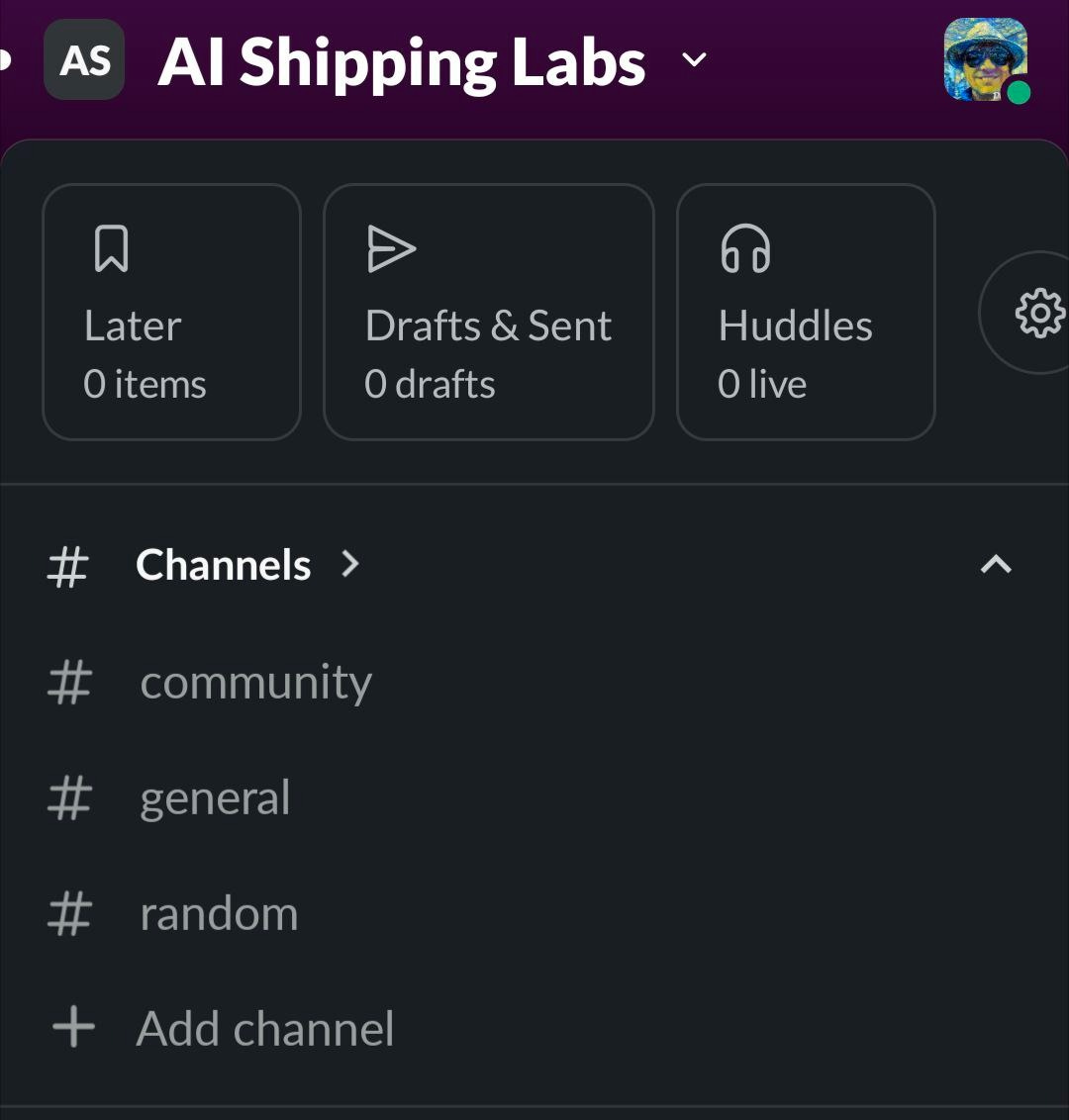
We are actively building the AI Shipping Lab Community. Based on your votes, we decided to host it in Slack, which was the clear winner. Thank you to everyone who participated in the poll!
We also integrated Stripe into the website, so the payments are live. The community itself is still evolving, but early access is already open.
You can already join the community. That option is available under the Main and Premium tiers. If you join right now as an early member, you get a direct conversation with me to discuss your projects or career questions. In addition, you can influence how the community develops. At this stage, feedback directly shapes the structure, sessions, and priorities.
2) AI Engineer Live Research Series
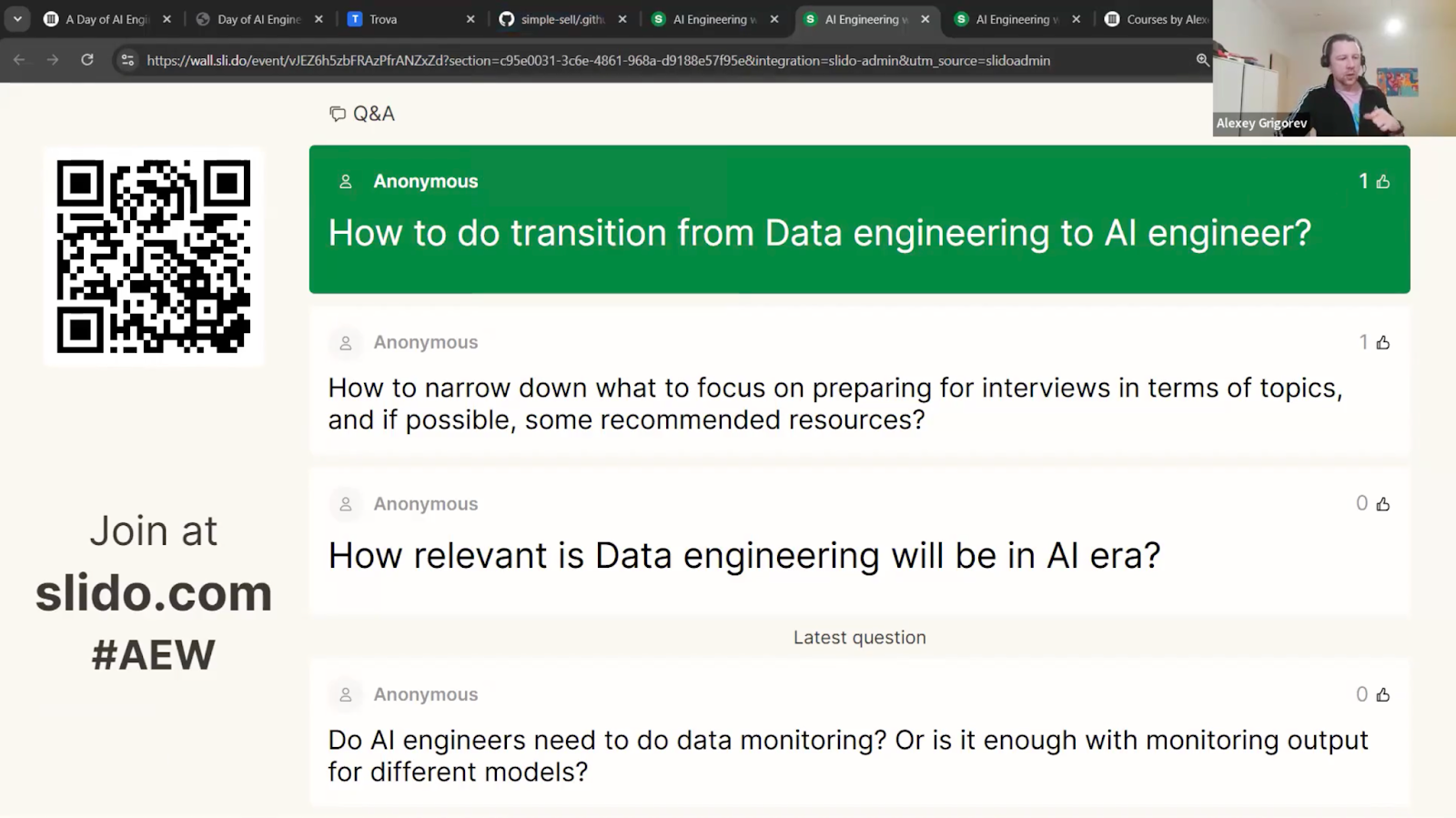
On Monday, I hosted the first live session, “A Day of an AI Engineer,” of my event series.
To prepare, I used my Telegram Assistant. During short breaks in my daily work, I recorded voice notes. The system automatically structured them into organized text, which I then used as the plan for the talk.
More than 300 people joined the Zoom session. The Q&A was highly active. In fact, we spent so much time on participant questions that I did not cover every planned slide. But real questions are more valuable than rigid adherence to an outline.
All materials are documented separately in a Google Doc, so you can review everything at your own pace.
The next event in the series, “Defining the AI Engineer Role,” will be live on Zoom next Tuesday. This part of the research focuses on terminology, expectations, and skill requirements across markets. Make sure to register to receive a join link.
3) In-Person Workshops
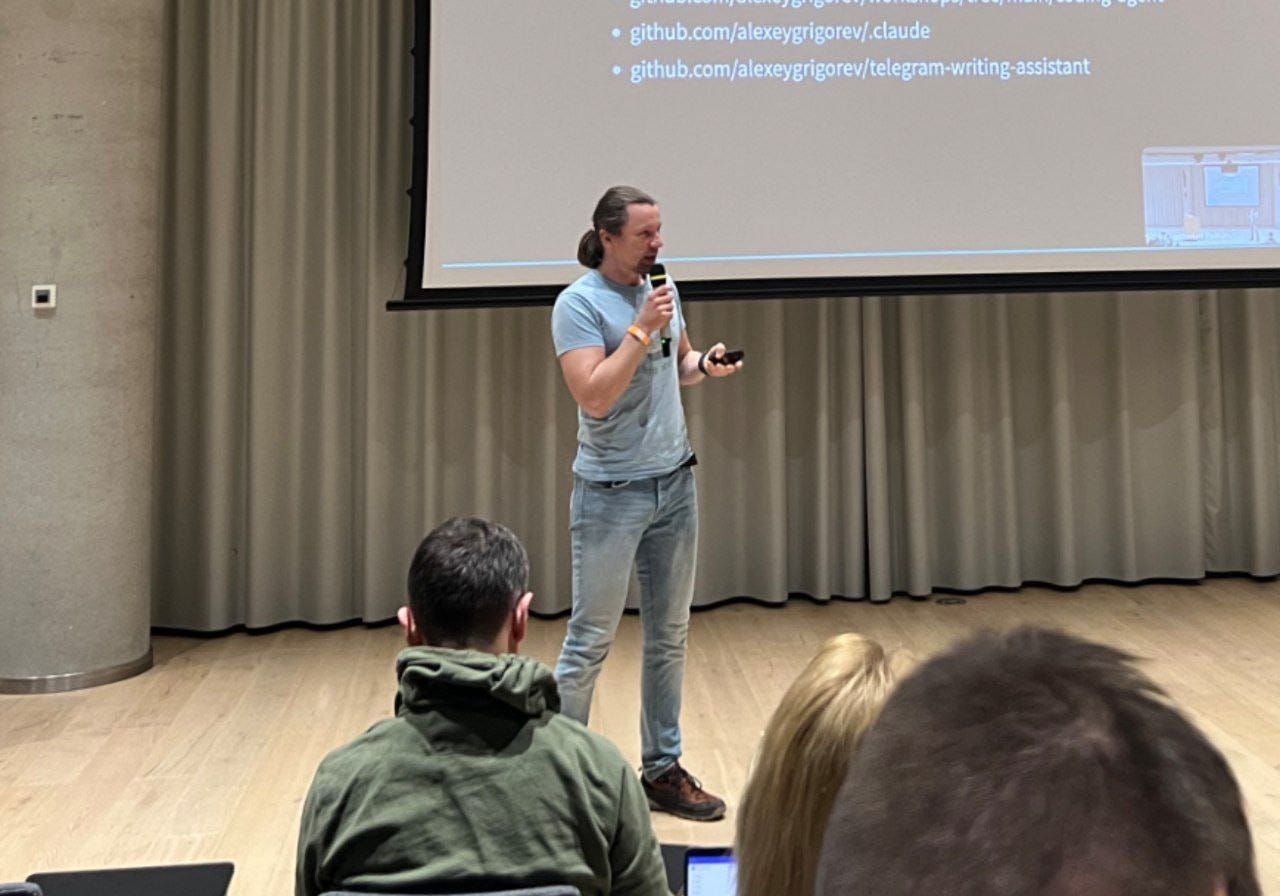
This year at DataTalksClub, we are putting more emphasis on offline events.
On February 17, we hosted our first offline DataTalksClub meetup in 2026 in Berlin, at Zalando. It focused on agents and guardrails in real engineering systems. Your level of interest exceeded our expectations. We had to introduce a waiting list and eventually close registration once we reached capacity.
During the session, I explained how modern code agents are structured, including reusable skills, role-based subagents, and the core architectural components behind these systems. There were many thoughtful questions, and we had a great discussion after the talk.
A big thank you to Ivan Potapov for organizing everything: venue logistics, security coordination, and the pizza! And thanks to everyone who came to the workshop! It was great to see the community offline.
Ping me in the comments if you want to get slides from this workshop

A few weeks later, on March 10, I’ll host a hands-on data engineering workshop at Exasol Xperience 2026. We will work through a full, realistic pipeline using Exasol Personal on AWS, ingest and clean more than 1 billion rows of NHS prescription data, and finish with an AI-powered analytics dashboard for fast exploration. Members of the DataTalksClub community can attend the conference for free using the code EXA-VIP-RDTC. But you have to register for this workshop separately because we will check the list at the entrance.
Tools
Atomic Agents: a lightweight, modular framework for building AI agent pipelines and applications. Built on Instructor and Pydantic, it emphasizes atomic, single-purpose components that are reusable, composable, and predictable. It enables structured AI application development with explicit input and output schemas, aligning agent workflows with established software engineering principles.
Gas Town: an orchestration system for managing multiple Claude Code instances simultaneously. It coordinates AI coding agents, tracks work across parallel tasks, manages merge queues, and maintains persistent agent identities. Inspired by concepts from Kubernetes and Temporal, with tmux as the primary interface, it represents an approach to coordinated multi-agent workflows rather than single-agent interaction.
planning-with-files: a Claude Code skill that implements persistent markdown-based planning inspired by the workflow used by Manus. It transforms AI-assisted development by storing plans, progress, and knowledge in structured markdown files. It supports multiple environments, including Claude Code, Cursor, Gemini CLI, and Continue, enabling consistent planning across tools.
Resources
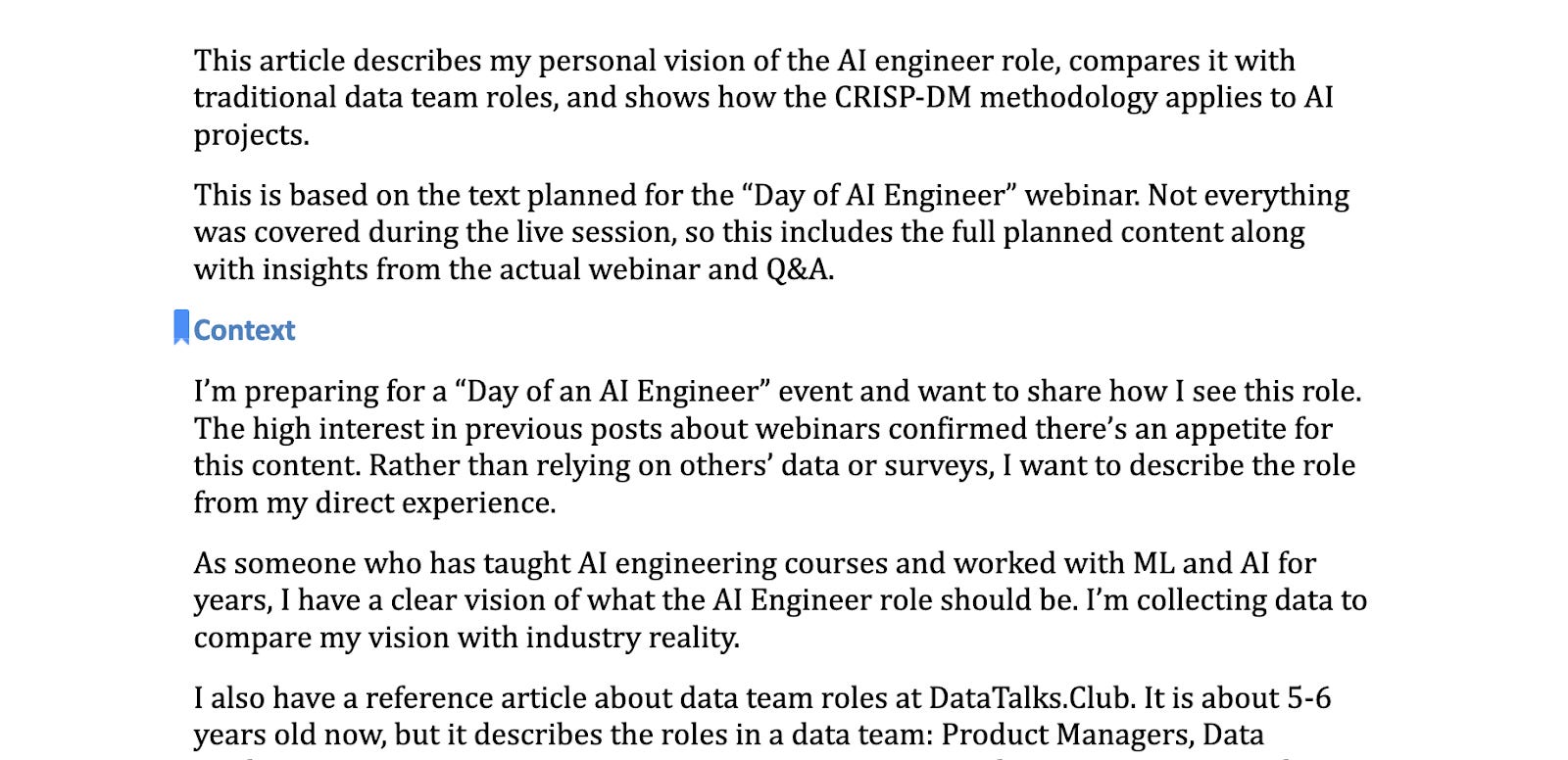
Materials from my talk, “A Day of an AI Engineer”: a practical resource that combines a live webinar recording with the full planned write-up and a demo project to show what AI engineering looks like in real work. It also compares the AI Engineer role to traditional data team roles and maps modern AI projects to CRISP-DM to show why the same iterative methodology still applies.
Locality Sensitive Hashing: The Illustrated Guide: an in-depth tutorial from Pinecone’s FAISS learning series that walks through the theory and Python implementation of LSH, a foundational algorithm for approximate nearest-neighbor search.
Edited by Valeriia Kuka